Imagine being able to watch how visitors actually use your website. Not what you think they do. Not what a chart suggests. But what they really do. Where they click. Where they scroll. Where they get stuck. That is the magic of session replay software. It lets you step into your users’ shoes without leaving your desk.
TLDR: Session replay software records real user interactions on your website. You can watch clicks, scrolls, and movements like a video. It helps you find bugs, confusion points, and lost sales opportunities. It is one of the simplest ways to truly understand user behavior.
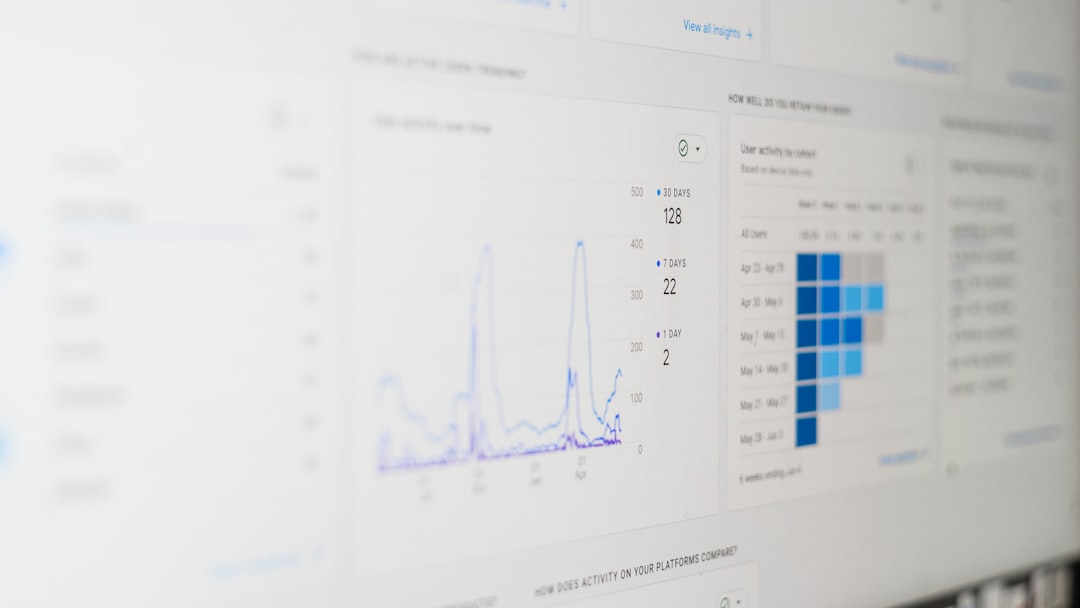
Web analytics tools give you numbers. Bounce rate. Time on page. Conversion rate. Those numbers are helpful. But they do not tell the whole story.
Session replay tools show you the story behind the numbers.
What Is Session Replay Software?
Session replay software records a user’s journey on your website. It captures:
- Mouse movements
- Clicks and taps
- Scrolling behavior
- Form interactions
- Page navigation paths
Later, you can watch the session like a video. It feels almost like looking over someone’s shoulder.
But do not worry. Sensitive data can be masked. Good tools protect user privacy.
The result? A clear and simple way to see what works and what does not.
Why Visualizing User Behavior Matters
People do unexpected things online.
They click on images that are not clickable. They ignore big buttons. They abandon forms halfway through.
Without visual tools, you are guessing.
With session replay software, you know.
Here is why that matters:
- Improves user experience – You see friction instantly.
- Boosts conversions – Fix what blocks users from buying.
- Reduces churn – Stop frustration before users leave.
- Saves time – No need for endless debate in meetings.
Instead of arguing about what might be wrong, you press play and watch.
How Session Replay Works
It is simpler than it sounds.
Most tools add a small piece of code to your website. That code tracks user interactions. It does not usually record a literal video. Instead, it logs events like clicks and movements. Then it rebuilds them into a visual playback.
This keeps file sizes small. It also keeps performance smooth.
When you log into your dashboard, you see a list of recorded sessions. You can filter them by:
- Date
- Device type
- Browser
- Location
- Conversion goal
Click on one. Then watch.
You will see a cursor moving across your screen. Scroll bars moving up and down. Fields being filled in. Or abandoned.
Finding Hidden Problems
Some website problems are invisible in reports.
For example:
- A button that looks clickable but is not.
- A form field that causes an error but gives no clear message.
- A mobile menu that does not open properly.
A bounce rate will not tell you why users leave. A session replay will.
You might watch a visitor move their mouse in circles. Pause. Scroll up. Scroll down. Then exit.
That behavior screams confusion.
Now you have something you can fix.
Understanding User Intent
Not every visitor comes with the same goal.
Some want information. Others want to compare prices. Others are ready to buy.
By watching different sessions, patterns appear.
You may notice:
- Users repeatedly checking shipping details.
- Visitors zooming in on product images.
- People hovering over pricing sections for a long time.
These behaviors reveal interest. They also show hesitation.
When you spot hesitation, you have an opportunity.
Maybe your pricing needs clarity. Maybe shipping costs need to be visible earlier. Small changes can lead to big improvements.
Session Replay vs Heatmaps
You may have heard of heatmaps. They show aggregated data. Usually in colors. Red areas mean more interaction. Blue areas mean less.
Heatmaps are great for spotting trends.
But they do not show individual journeys.
Session replay is different.
- Heatmaps show patterns.
- Session replays show stories.
Heatmaps answer: “Where do most people click?”
Session replays answer: “Why did this person leave?”
The best approach is often to use both.
Improving Conversions Step by Step
If you run an online store or service, conversions matter.
Session replay software can help you improve them in simple steps:
- Watch sessions where users did not convert.
- Look for repeated patterns of friction.
- Make small design or copy changes.
- Monitor new sessions to see improvements.
For example, you might notice users dropping off at checkout.
You watch recordings.
You see users struggling with a promo code field. They try multiple codes. None work. They leave.
Solution? Make the promo field less distracting. Or clearly state when codes are available.
Problem solved.
Making Teams Smarter
Session replay tools are not just for designers.
They help:
- Marketers understand campaign traffic behavior.
- Developers detect bugs faster.
- Product managers validate feature usability.
- Customer support investigate complaints.
Instead of long explanations, support teams can review an actual session.
“Oh, that is what happened.”
This reduces confusion. And saves hours.
Mobile Behavior Is Different
Mobile users behave differently than desktop users.
They scroll more. They tap with thumbs. They deal with smaller screens.
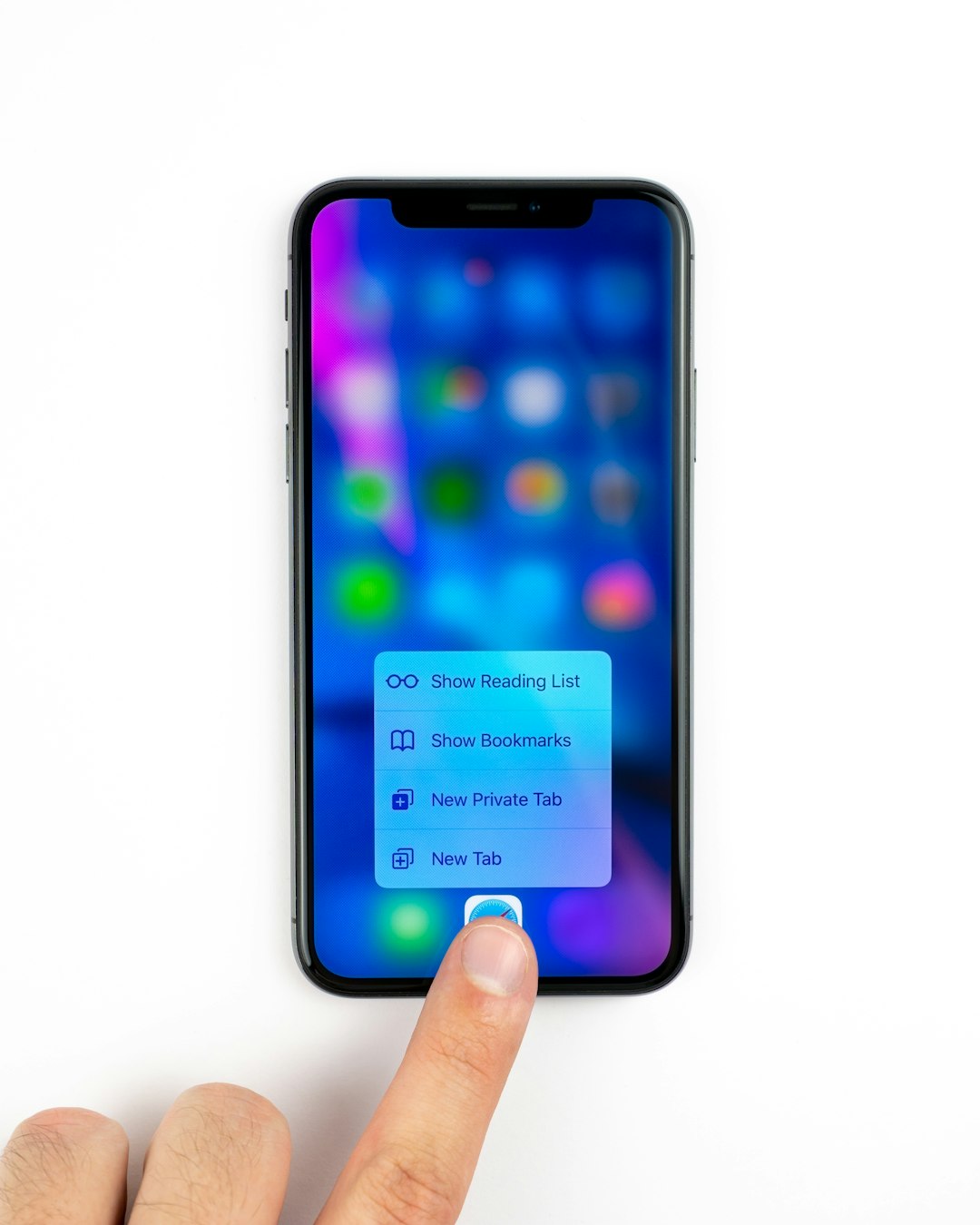
Session replay shows these differences clearly.
You may discover:
- Buttons too close together.
- Text too small to read.
- Popups blocking important content.
Small mobile design issues can cause big frustration.
Watching real mobile sessions can be eye-opening.
Privacy and Ethical Use
Recording user sessions sounds sensitive. And it is.
That is why responsible use matters.
Good session replay software offers:
- Data masking for personal information
- Consent management options
- Secure data storage
- Compliance with privacy regulations
Always be transparent with users.
Respect privacy laws in your region.
Trust is more valuable than any data.
Common Mistakes to Avoid
While session replay is powerful, it is easy to misuse.
Here are common mistakes:
- Watching randomly without a clear goal.
- Ignoring patterns and focusing on one strange session.
- Not taking action after spotting issues.
- Recording too many sessions without filters.
Be strategic.
Start with a question. For example:
- Why are users abandoning checkout?
- Why is this landing page not converting?
- Why are mobile users bouncing?
Then use recordings to find answers.
The Human Side of Data
Data can feel cold.
Charts. Percentages. Metrics.
But session replay brings the human element back.
You see hesitation. Curiosity. Frustration.
It reminds you that each click is a real person.
This perspective can change how you design and write.
Instead of asking, “How do we increase conversions?”
You start asking, “How do we make this easier for people?”
That shift makes a big difference.
Is Session Replay Right for You?
If you run:
- An ecommerce site
- A SaaS product
- A blog with lead generation
- An online booking platform
Then yes. It is likely worth it.
If your website plays a key role in your business, you need to understand how users interact with it.
Guessing is risky.
Watching is powerful.
Final Thoughts
Session replay software turns invisible behavior into visible insight.
It shows you what users actually do. Not what you assume they do.
With simple playback features, you can find friction. Fix bugs. Improve design. And boost conversions.
It is like having a window into your users’ experiences.
Press play. Watch closely. Learn fast.
Your website will never look the same again.