
Many Instagram users wonder what happens to their account when the app is removed from a phone or tablet. The concern is understandable: Instagram contains years of photos, messages, saved posts, followers, comments, and personal memories. However, uninstalling the Instagram app and deleting an Instagram account are two very different actions.
TLDR: Uninstalling the Instagram app does not delete an Instagram account. The account, photos, followers, messages, comments, and profile remain stored on Instagram’s servers unless the user specifically deletes or deactivates the account through Instagram’s settings. The app can be reinstalled at any time, and the user can log back in with the same username, email address, phone number, or connected account. Only intentional account deletion starts the process of permanently removing the profile.
What Happens When the Instagram App Is Uninstalled?
When a person uninstalls Instagram from a device, only the app installation is removed from that device. The phone or tablet deletes the local application files, temporary data, and possibly some cached media. This frees storage space and removes the Instagram icon from the home screen or app drawer.
However, the Instagram account itself is not stored only on the device. It exists on Instagram’s servers. That means the profile, posts, reels, stories archive, direct messages, saved collections, followers, following list, comments, likes, and settings remain connected to the account online.
In simple terms, uninstalling the app is similar to removing a web browser from a computer. The websites visited through that browser do not disappear. The person simply no longer has that access point installed on the device.

Uninstalling Is Not the Same as Logging Out
Uninstalling Instagram may log the person out on that specific device because the app is no longer present. But it is not the same as manually logging out, and it does not affect other devices where the account may still be active.
For example, if someone has Instagram installed on both a phone and a tablet, uninstalling it from the phone will not remove the account from the tablet. The person may still be logged in elsewhere. Similarly, the account may still be accessible through a desktop browser at Instagram’s website.
Important distinction: logging out ends a session, uninstalling removes the app, deactivating hides the account temporarily, and deleting removes the account permanently after Instagram’s deletion process is completed.
Will Photos, Reels, and Followers Disappear?
No. A user’s photos, reels, profile picture, bio, highlights, followers, and following list remain visible according to the account’s privacy settings. If the account is public, other Instagram users may still be able to view the profile and content even after the app has been uninstalled. If the account is private, approved followers can continue to see the posts.
Uninstalling the app does not send a notification to followers. It also does not change the profile status, remove comments, erase likes, or delete uploaded content. To other people, the account usually looks exactly the same.
The only noticeable difference may be that the account owner stops posting, replying, liking, or viewing messages while the app is not installed. However, inactivity alone does not mean the account has been deleted.
What Happens to Direct Messages?
Instagram direct messages remain in the account after the app is uninstalled. Conversations do not disappear simply because the app is removed from a device. Other users can still send messages to the account, although the account owner will not receive app notifications on that device unless Instagram is reinstalled and notifications are enabled again.
If the user later reinstalls Instagram and logs in, the messages should still be available. Some disappearing messages, vanish mode content, or temporary media may behave differently depending on how they were originally sent, but normal chats remain tied to the account.
Will Instagram Delete an Inactive Account?
Instagram may reserve the right to remove accounts that violate its terms or remain inactive for a very long period, but uninstalling the app does not automatically mark an account for deletion. Most accounts remain available even if the user has not logged in for weeks, months, or longer.
That said, an account that appears abandoned could still face separate issues. For instance, if the login email becomes inaccessible or the account is compromised, recovering it may become more difficult. Therefore, even if a person takes a break from Instagram, it is wise to keep account recovery information updated.
- Uninstalling the app: removes Instagram from the device only.
- Inactivity: means the user has not used the account for a period of time.
- Account removal: usually happens only through deletion, policy violations, or rare inactivity enforcement.
What Happens to Notifications?
After Instagram is uninstalled, the device will no longer receive Instagram push notifications from that app. New likes, comments, messages, follow requests, and live video alerts will not pop up on that device. This can be helpful for someone who wants a break from constant alerts without deleting the account.
However, notifications may still appear on other devices where Instagram remains installed and logged in. Email notifications may also continue if they are enabled in the account settings. Removing the app from one device does not automatically change the notification preferences stored in the account.
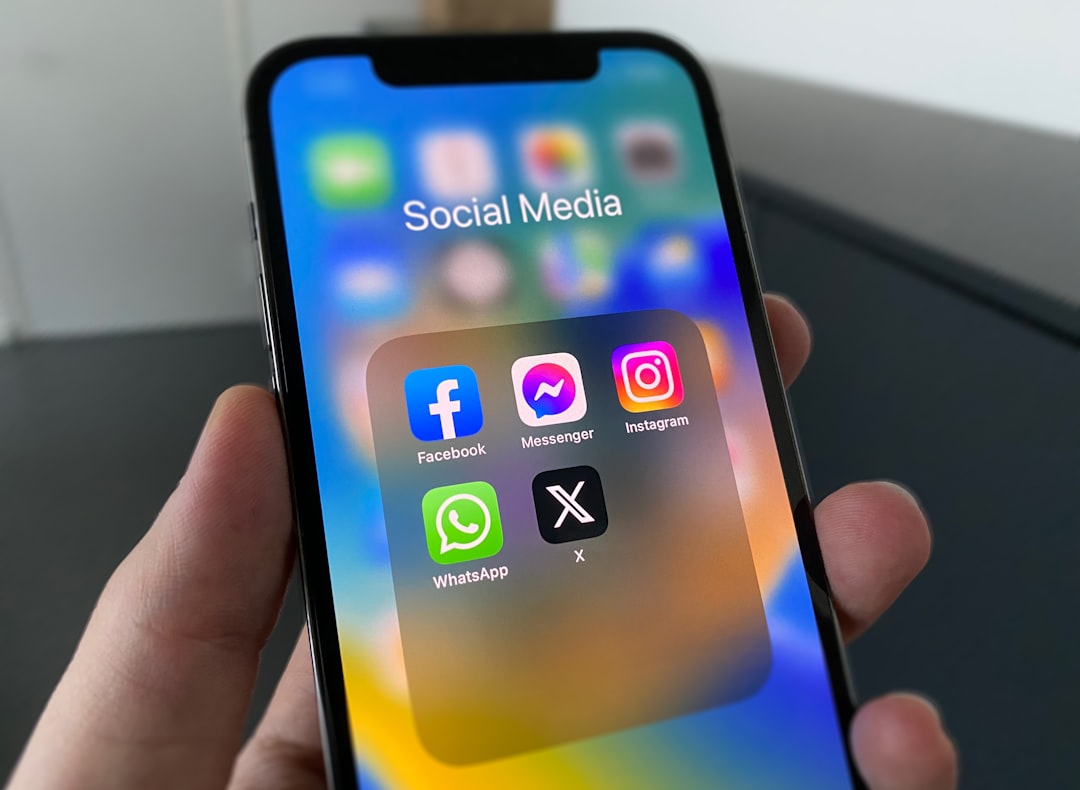
Can the Account Be Recovered After Reinstalling the App?
Yes. If the account was not deleted, the user can reinstall Instagram and log in again. The account should appear as it did before, including posts, profile details, followers, direct messages, and settings.
To access the account again, the person generally needs one of the following:
- The correct username, email address, or phone number.
- The correct password, unless using a connected login method.
- Access to any required two factor authentication code.
- Access to the recovery email or phone number if the password must be reset.
If the user has forgotten the password, Instagram’s login help tools can usually assist with recovery. Problems may occur if the person no longer has access to the email address or phone number associated with the account.
What Is the Difference Between Deactivating and Deleting an Instagram Account?
Instagram offers options that are much stronger than uninstalling the app. The two main account-level actions are deactivation and deletion.
Temporary deactivation hides the profile, photos, comments, and likes until the user logs back in. It is useful when a person wants a break but expects to return later. During deactivation, the account is not publicly visible in the same way, but it is not permanently erased.
Permanent deletion is designed to remove the account and its content. Instagram typically provides a waiting period before deletion is finalized. If the user logs back in during that period, the deletion request may be canceled. Once the deletion process is complete, the account, username availability, content, and data recovery options may be limited or unavailable.
Uninstalling the app does neither of these things. It is simply a device-level action, not an account-level decision.
Why People Confuse Uninstalling With Deleting
The confusion often happens because smartphones use words such as “remove,” “delete,” or “uninstall” differently depending on the context. When a user deletes an app from a phone, it can feel as if everything connected to that app is being erased. In reality, many modern apps store account information online.
Instagram, like many social platforms, uses cloud-based account storage. The app is only the tool used to access that account. Removing the tool does not remove the account itself.
This is also why a person can log in to the same Instagram account from a new phone. The old phone does not contain the only copy of the profile. The account remains linked to Instagram’s systems and can be accessed from compatible devices and browsers.
When Could Content Be Lost?
Although uninstalling Instagram does not delete the account, some locally stored items may be removed from the device. For example, drafts, cached files, or unfinished uploads may not always remain after uninstalling. Instagram drafts can be device-specific, so a user should be careful before removing the app if important unpublished reels or posts are stored as drafts.
Content that has already been successfully posted to the account is different. Published photos, reels, captions, comments, and other account information are stored online. But unfinished or locally saved material may be more vulnerable.
Before uninstalling the app, a cautious user may want to:
- Publish or save important drafts.
- Back up original photos and videos to the device or cloud storage.
- Confirm that login details are correct.
- Check that the recovery email and phone number are current.
- Save two factor authentication backup codes if enabled.
Does Uninstalling Instagram Improve Privacy?
Uninstalling the app can improve privacy on that specific device in some ways. The app will no longer be available for someone else to open on the phone, and it will stop collecting app-based activity from that device while absent. It can also reduce distractions and limit casual browsing.
However, uninstalling Instagram does not make the account private, hide old posts, or remove personal information from the profile. Anyone who could view the account before may still be able to view it afterward, depending on privacy settings.
If a person wants stronger privacy, they should adjust account settings. This may include switching to a private account, removing followers, deleting specific posts, limiting comments, changing message settings, or temporarily deactivating the account.
How to Safely Take a Break From Instagram
For many people, uninstalling Instagram is a simple and effective way to take a break. It removes the temptation to open the app while preserving the account for future use. This approach is especially useful when the person does not want to lose followers, memories, messages, or content.
A safe break plan may include the following steps:
- Check login access: The user should make sure the password, email, and phone number are correct.
- Save important drafts: Unfinished posts or reels should be published, downloaded, or otherwise backed up.
- Review privacy settings: The account can be made private if the user wants less visibility during the break.
- Tell close contacts: If needed, the user can let friends know they may not respond to messages quickly.
- Uninstall the app: The app can then be removed without deleting the account.
This method gives the user distance from Instagram while keeping the option to return later.
How to Actually Delete an Instagram Account
If a person truly wants an Instagram account removed, uninstalling the app is not enough. The account must be deleted through Instagram’s account settings or account management tools. The exact steps may change as Instagram updates its interface, but deletion is usually found under account ownership, personal details, or account management sections.
Before requesting deletion, the user should consider downloading a copy of their information. Instagram may allow users to request an archive of photos, comments, profile information, and other data. This is important because permanent deletion can make recovery impossible after the waiting period ends.
Deletion should be treated as a final decision. If the goal is only to reduce screen time, prevent notifications, or take a temporary break, uninstalling or deactivating is usually a better option.
Final Answer
An Instagram account will not be deleted just because the app is uninstalled. The profile and its content remain stored with Instagram, not only on the device. The user can reinstall the app later and log back in, as long as the account has not been deleted, disabled, or compromised.
Uninstalling is best understood as a temporary access change. It removes the app from a device, stops app notifications on that device, and may clear some local files. It does not erase the Instagram account, remove followers, delete posts, or hide the profile. Anyone who wants the account gone must use Instagram’s official deletion process.
FAQ
Will an Instagram account be deleted if the app is uninstalled?
No. Uninstalling the app only removes Instagram from the device. The account remains active unless it is separately deleted or disabled.
Can the user log back in after reinstalling Instagram?
Yes. The user can reinstall the app and log in with the correct account credentials. Posts, followers, messages, and profile details should still be there.
Will followers know the app was uninstalled?
No. Instagram does not notify followers when someone uninstalls the app. The profile usually remains visible according to its privacy settings.
Are direct messages deleted when Instagram is uninstalled?
No. Normal direct messages remain connected to the account. The user simply will not receive app notifications on the device where Instagram was removed.
Will Instagram drafts be deleted after uninstalling?
Drafts may be lost because they can be stored locally on the device. Important drafts should be saved, published, or backed up before uninstalling the app.
Is uninstalling Instagram the same as deactivating the account?
No. Deactivation hides the account temporarily, while uninstalling only removes the app from a device. The account remains visible unless privacy settings or account status are changed.
Is uninstalling Instagram the same as deleting the account?
No. Deleting an account requires a specific deletion request through Instagram. Uninstalling the app does not start that process.
Can someone still message an account after the app is uninstalled?
Yes. Other users can still send messages. The account owner will see them after logging in again, unless message settings or account status prevent delivery.
Does uninstalling Instagram stop all notifications?
It stops push notifications from the app on that device. Notifications may still appear on other logged-in devices or through email if those settings are enabled.
What should a user do before uninstalling Instagram?
The user should confirm login details, update recovery information, save important drafts, back up photos or videos, and review privacy settings if they plan to take a break.