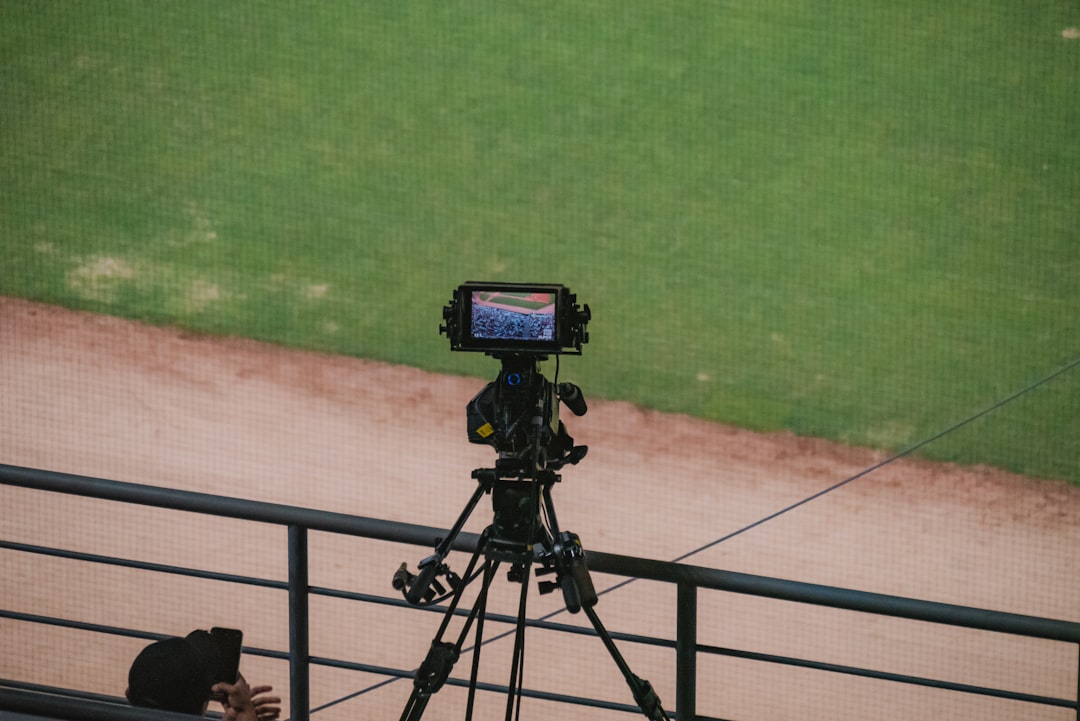
Game footage used to be something you watched once, maybe twice, and then moved on. Not anymore. Today, sports coaching analysis apps turn ordinary video into powerful data. They help coaches and players see patterns, fix mistakes, and improve faster than ever before.
TLDR: Sports coaching analysis apps let you break down game footage into useful insights. You can tag plays, track player movements, measure performance, and share feedback instantly. Many tools are easy to use and work on phones, tablets, and laptops. The result? Smarter coaching and faster player development.
Let’s explore how these apps work, why they matter, and which ones are worth your time.
Why Game Footage Matters More Than Ever
Video never lies. It shows what really happened. Not what we remember. Not what we felt.
But raw footage alone is not enough. Watching a full game from start to finish takes time. And it is hard to notice every small detail.
That is where analysis apps come in.
They allow you to:
- Tag key moments in seconds
- Slow down or speed up plays
- Draw directly on the screen
- Track statistics automatically
- Share feedback with players instantly
This saves hours of work. And it makes feedback clear and specific.
How Sports Analysis Apps Work
Most apps follow a simple process.
- Upload your footage. This can be recorded directly in the app or uploaded from a camera.
- Tag important actions. Goals, assists, turnovers, fouls, passes, shots, tackles.
- Add notes and drawings. Circles, arrows, highlights.
- Review stats and trends. The app compiles data automatically.
- Share insights. Send clips to players with comments attached.
Simple steps. Big impact.
Even youth teams can use these tools. Many apps are beginner-friendly. If you can use a smartphone, you can use them.
What Makes a Great Coaching Analysis App?
Not all apps are equal. Some are basic. Others are packed with advanced features.
Here is what to look for:
- Easy tagging system – One tap should mark key events.
- Drawing tools – Arrows and spotlights help explain tactics.
- Slow motion and frame-by-frame controls
- Cloud storage – Access from anywhere.
- Player sharing options – Send private clips.
- Stat tracking and reports
- Multi-sport support, if you coach different teams.
You do not need every feature. Just the ones that match your coaching style.
Popular Sports Coaching Analysis Apps
Here are some well-known tools coaches use across different sports.
1. Hudl
Hudl is one of the most popular platforms. Especially in football, basketball, and soccer.
It allows you to:
- Break down games into playlists
- Track stats automatically
- Share clips with athletes
- Review opponent footage
It is powerful but still easy to navigate.
2. Coach’s Eye
Coach’s Eye focuses on technique analysis.
You can:
- Record instantly
- Compare two videos side by side
- Use voice-over feedback
- Draw lines and angles
Great for individual sports like tennis, golf, and track.
3. Dartfish
Dartfish is known for advanced motion analysis.
It offers:
- Detailed performance tracking
- Biomechanics breakdown
- Powerful replay tools
- Professional-level reporting
Common in elite and professional environments.
4. OnForm
OnForm is user-friendly and mobile-first.
It supports:
- Instant slow motion capture
- Cloud sharing
- Side-by-side comparisons
- Voice and text comments
Perfect for private coaches.
5. SportsCode (by Hudl)
This is a high-performance analysis tool.
Used by pro teams.
Features include:
- Custom coding windows
- Advanced tagging systems
- Deep statistical analysis
- Complex editing tools
It has a learning curve. But it is extremely powerful.
Quick Comparison Chart
| App | Best For | Ease of Use | Advanced Stats | Sharing Features |
|---|---|---|---|---|
| Hudl | Team sports | High | Yes | Excellent |
| Coach’s Eye | Individual technique | Very High | Basic | Good |
| Dartfish | Elite performance | Medium | Advanced | Strong |
| OnForm | Private coaching | Very High | Moderate | Strong |
| SportsCode | Professional teams | Low to Medium | Very Advanced | Excellent |
How These Apps Improve Player Development
Players learn faster when they see their mistakes.
Telling a defender, “You were out of position,” is one thing.
Showing them the exact frame where it happened is much stronger.
Video creates:
- Accountability
- Clarity
- Confidence
When athletes see improvement on screen, they feel motivated.
Short video clips also keep attention high. No one wants to watch a two-hour lecture.
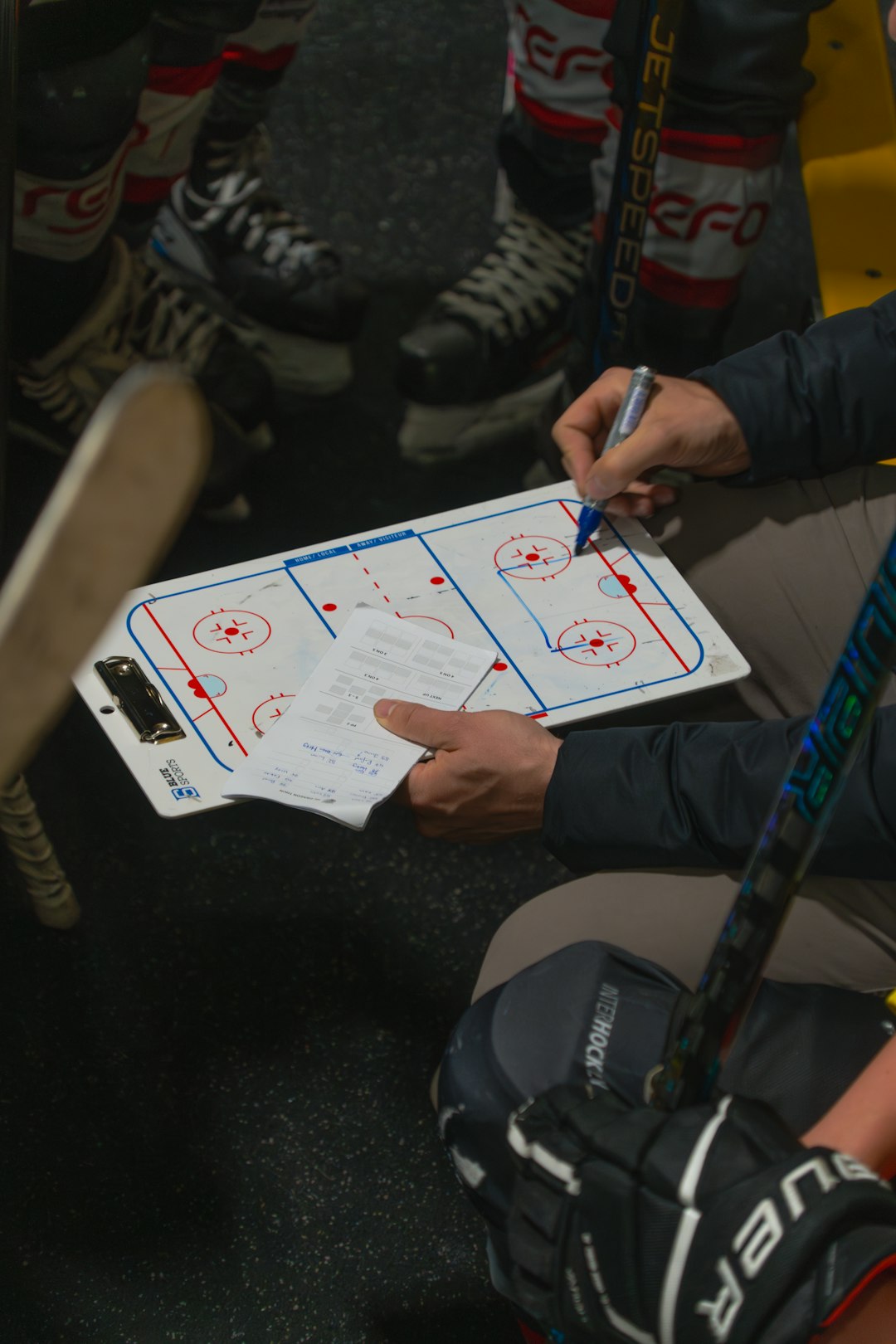
Using Data Without Overwhelming Players
More data is not always better.
Too many stats can confuse athletes.
Keep it simple:
- Focus on 2–3 key metrics per game
- Share short clips, under 30 seconds
- Add one clear coaching point per clip
- End with something positive
The goal is improvement. Not information overload.
Team Sports vs Individual Sports
Different sports use analysis differently.
Team Sports
Examples: soccer, basketball, football, hockey.
Focus areas:
- Team shape
- Spacing
- Transitions
- Set plays
- Communication
Apps help track patterns over full games.
Individual Sports
Examples: tennis, golf, swimming, athletics.
Focus areas:
- Body mechanics
- Timing
- Angle of movement
- Consistency
Slow motion and side-by-side comparison are extremely useful here.
Remote Coaching Made Easy
Modern apps allow remote coaching.
A player can upload practice footage from anywhere.
The coach can:
- Add voice comments
- Draw corrections
- Send it back within minutes
This saves travel time. And increases flexibility.
It is ideal for:
- Off-season training
- Rehabilitation work
- Skill refinement
- International athletes

AI and the Future of Sports Analysis
Artificial intelligence is changing the game.
Some apps can now:
- Automatically detect key plays
- Track player movement without manual input
- Generate instant performance summaries
- Identify tactical patterns
This reduces manual tagging time.
It also uncovers patterns coaches might miss.
In the future, expect even more automation.
But remember. Technology supports coaching. It does not replace it.
Tips for Getting Started
If you are new to video analysis, start small.
- Pick one app. Do not test five at once.
- Analyze one game. Focus on one main objective.
- Create short feedback clips.
- Ask players for feedback. Make it interactive.
- Build a routine. Consistency matters.
Within weeks, you will notice sharper practices and smarter decisions during games.
Common Mistakes to Avoid
- Spending too much time editing perfect videos
- Ignoring positive highlights
- Using overly complex stats for youth players
- Failing to back up data
- Talking more than showing
Keep it practical. Keep it clear.
The Real Advantage
The real power of sports coaching analysis apps is not just replay.
It is awareness.
They turn moments into lessons.
They transform mistakes into growth.
They allow players to see themselves as others see them.
And that changes everything.
Coaching becomes more precise. Communication becomes sharper. Players become smarter.
In today’s competitive world, small improvements make a big difference.
With the right app, your camera becomes more than a recording device. It becomes a teaching tool.
And that is how good teams become great.