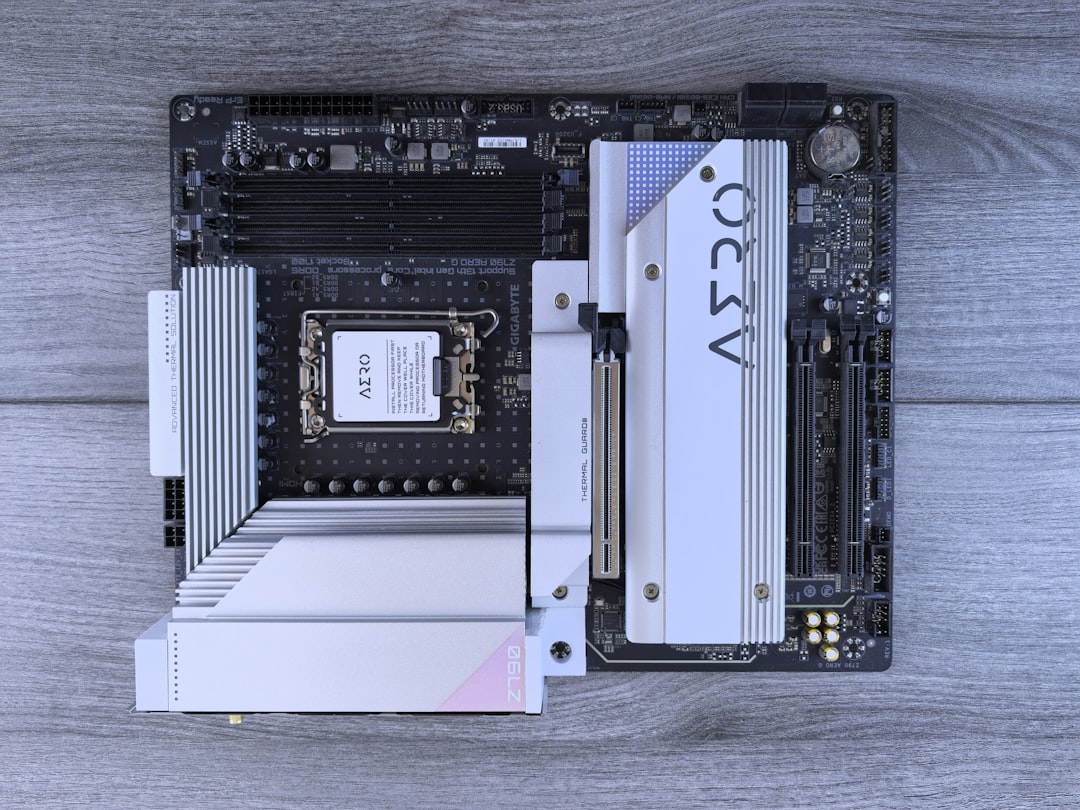
Intel’s Core Ultra processors mark one of the most significant architectural shifts in the company’s desktop and mobile CPU lineup. With new naming, new chiplet designs, integrated AI acceleration, and improved efficiency, many PC builders are asking the same critical question: Which socket does Intel Core Ultra use? If you’re planning a new build or upgrading an existing system, understanding socket compatibility is essential before buying a motherboard or CPU.
TLDR: Intel Core Ultra desktop processors (based on Arrow Lake) use the new LGA 1851 socket, replacing LGA 1700 used by 12th, 13th, and 14th Gen Intel CPUs. They are not backward compatible with older motherboards. Laptop versions of Core Ultra use BGA sockets and are soldered, meaning they cannot be upgraded. If you’re building a desktop PC with Core Ultra, you’ll need a compatible 800-series motherboard.
Understanding Intel’s Core Ultra Lineup
Before diving into socket specifications, it’s important to clarify what “Core Ultra” actually refers to.
Intel introduced the Core Ultra branding starting with its Meteor Lake architecture for mobile processors in late 2023. This represented a departure from the traditional “Core i” naming scheme. Later, Intel expanded the Core Ultra branding into desktop CPUs with the Arrow Lake architecture.
There are two major contexts:
- Core Ultra for laptops (Meteor Lake)
- Core Ultra for desktops (Arrow Lake and beyond)
The socket situation is different for each category, so let’s break it down carefully.
Which Socket Does Intel Core Ultra Use for Desktop?
The short answer: LGA 1851.
Intel Core Ultra desktop processors use the LGA 1851 socket, which replaces the previous LGA 1700 socket used by:
- 12th Gen Alder Lake
- 13th Gen Raptor Lake
- 14th Gen Raptor Lake Refresh
This means Core Ultra desktop processors are not compatible with older LGA 1700 motherboards.
What Is LGA 1851?
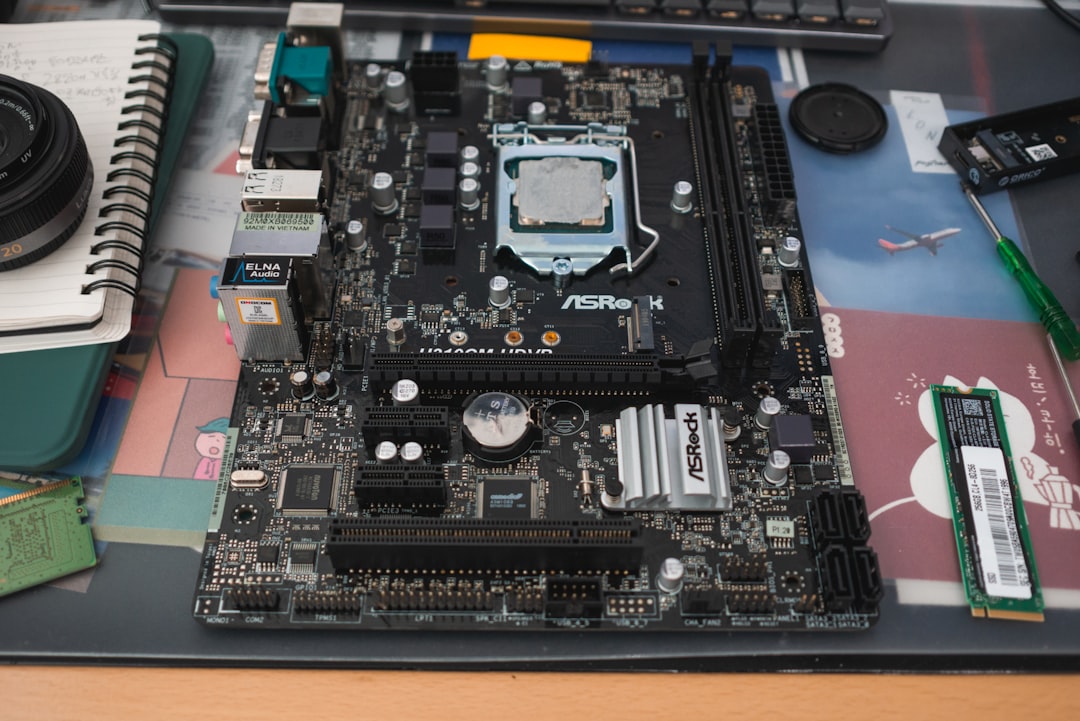
LGA 1851 stands for Land Grid Array with 1851 contact pads. Like previous Intel desktop sockets, the pins are located on the motherboard rather than the CPU.
Here are its core characteristics:
- 1851 contact points (up from 1700)
- Supports Arrow Lake architecture
- Designed for next-gen memory and connectivity
- Paired with Intel 800-series chipsets
The increase in pin count supports enhanced power delivery, additional I/O connectivity, and architectural improvements built into Arrow Lake CPUs.
Is LGA 1851 Backward Compatible?
No. LGA 1851 is physically and electrically incompatible with LGA 1700.
Even though the socket dimensions are somewhat similar, you cannot install a Core Ultra desktop processor into an older Z690, Z790, B760, or H670 motherboard.
Key compatibility notes:
- LGA 1700 CPUs do not fit into LGA 1851 boards
- LGA 1851 CPUs do not fit into LGA 1700 boards
- A new motherboard is required for Core Ultra desktop
However, cooler compatibility is often retained. Many CPU coolers designed for LGA 1700 may physically fit LGA 1851, though it’s always best to verify with the manufacturer.
Which Motherboards Support Intel Core Ultra?
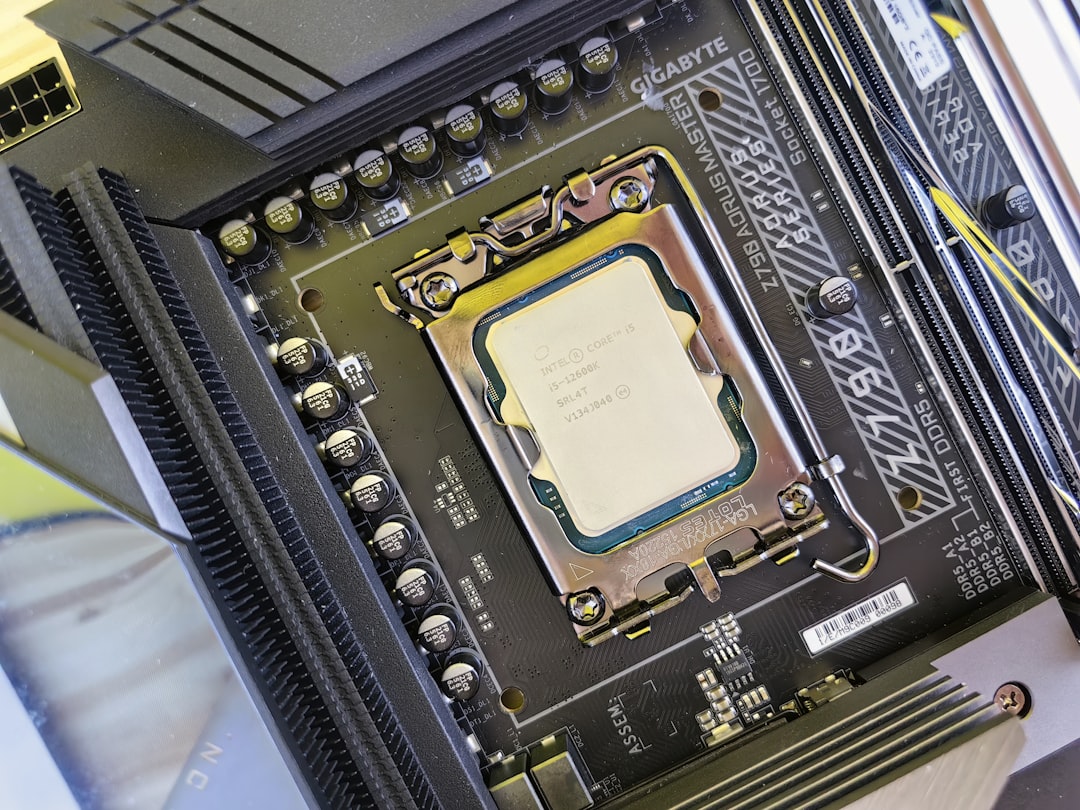
Intel Core Ultra desktop processors are designed to work with 800-series chipsets.
Common compatible chipsets include:
- Z890 – High-end overclocking and enthusiast features
- B860 – Mainstream builds
- H810/H870 – Budget and basic systems
If you’re building a new PC around Core Ultra, pairing it with a Z890 motherboard ensures maximum feature access, including overclocking (if supported by the specific CPU).
What About DDR4 vs DDR5?
Unlike the LGA 1700 generation, which supported both DDR4 and DDR5 depending on the motherboard, Core Ultra desktop platforms are primarily focused on DDR5 memory support.
This future-proofs the platform but may increase upgrade costs if you’re coming from an older DDR4 system.
What Socket Does Intel Core Ultra Use for Laptops?
If you’re looking at a laptop with a Core Ultra processor, the situation is entirely different.
Core Ultra mobile chips use BGA (Ball Grid Array) packaging.
That means:
- The CPU is soldered directly onto the motherboard
- It is not socketed
- It cannot be upgraded
This has been standard practice in modern laptops for years. So if upgradeability is important to you, your only viable option is a desktop build.
Full Compatibility Breakdown
Let’s make this as clear as possible with a structured comparison.
| Processor Type | Architecture | Socket Type | User Upgradeable? | Compatible Chipsets |
|---|---|---|---|---|
| Core Ultra Mobile | Meteor Lake | BGA (Soldered) | No | Laptop specific boards |
| Core Ultra Desktop | Arrow Lake | LGA 1851 | Yes | Z890, B860, H870, others |
| 12th–14th Gen Desktop | Alder/Raptor Lake | LGA 1700 | Yes | Z690, Z790, B760, and more |
This table highlights the most important takeaway: Core Ultra desktop requires LGA 1851.
Why Did Intel Change the Socket?
Socket transitions are never random. Intel moved from LGA 1700 to LGA 1851 for several technical reasons:
1. Increased Power Delivery
Arrow Lake introduces architectural enhancements that may require improved power regulation and distribution.
2. Expanded I/O Capabilities
Modern CPUs integrate more PCIe lanes, improved connectivity, and support for next-generation storage standards.
3. Future-Proof Platform Strategy
Intel typically supports sockets for multiple generations. LGA 1700 covered three generations (12th–14th Gen), and LGA 1851 is expected to support upcoming ones.
In short, the jump ensures room for innovation.
Will LGA 1851 Support Future CPUs?
While Intel does not officially guarantee multi-generation support long-term, industry expectations suggest:
- LGA 1851 will likely support multiple CPU generations beyond Arrow Lake
- It may remain current for at least 2–3 generations
This is important if you’re building a system with upgradeability in mind.
Should You Upgrade to Core Ultra?
Your decision should depend on what you currently own.
If You Have LGA 1700
Upgrading to Core Ultra means buying:
- A new motherboard
- Possibly new DDR5 memory
This makes the upgrade more expensive than a simple CPU swap.
If You’re Building a New System
Core Ultra with LGA 1851 is a strong forward-looking platform featuring:
- Improved efficiency
- AI acceleration (NPU integration)
- Modern support for fast storage and graphics
If You’re Buying a Laptop
You won’t need to worry about sockets, but you should carefully choose CPU tier (Ultra 5, Ultra 7, Ultra 9) since upgrades are not possible.
Common Compatibility Mistakes to Avoid
Here are several errors builders commonly make:
- Assuming any “Intel 15th Gen” works in LGA 1700
- Buying DDR4 memory for a DDR5-only board
- Forgetting BIOS updates when required
- Ignoring cooler mounting compatibility
Always check the motherboard manufacturer’s CPU compatibility list before purchasing.
Final Thoughts
The answer to “Which socket does Intel Core Ultra use?” depends on whether you’re looking at desktop or laptop systems — but for desktop builders, the answer is clear: LGA 1851.
This new socket marks the start of a fresh platform era for Intel, bringing enhanced power delivery, next-generation connectivity, and room for future CPU releases. However, it also ends compatibility with LGA 1700, meaning upgrades require a new motherboard.
If you’re planning a new build, embracing LGA 1851 positions you on Intel’s latest platform. But if you were hoping for a drop-in CPU replacement for your existing 12th through 14th Gen setup, Core Ultra is not that path.
As always in PC building, check compatibility twice, buy once—and build with confidence.