Dark mode is everywhere these days. From your phone to your favorite apps, the dark theme is taking over digital screens. People love it for its sleek look, but here’s a question many are asking: Is dark mode actually better for your battery life? Let’s turn down the brightness and find out!
What is Dark Mode?
Dark mode is a setting that changes your background colors to dark shades. Usually, the text becomes light, and the background turns black or dark gray. It’s the opposite of the usual “light mode,” where everything is bright and white.
It’s cool to look at and feels easier on the eyes, especially in dark rooms or at night.
How Screens Work – A Quick Look
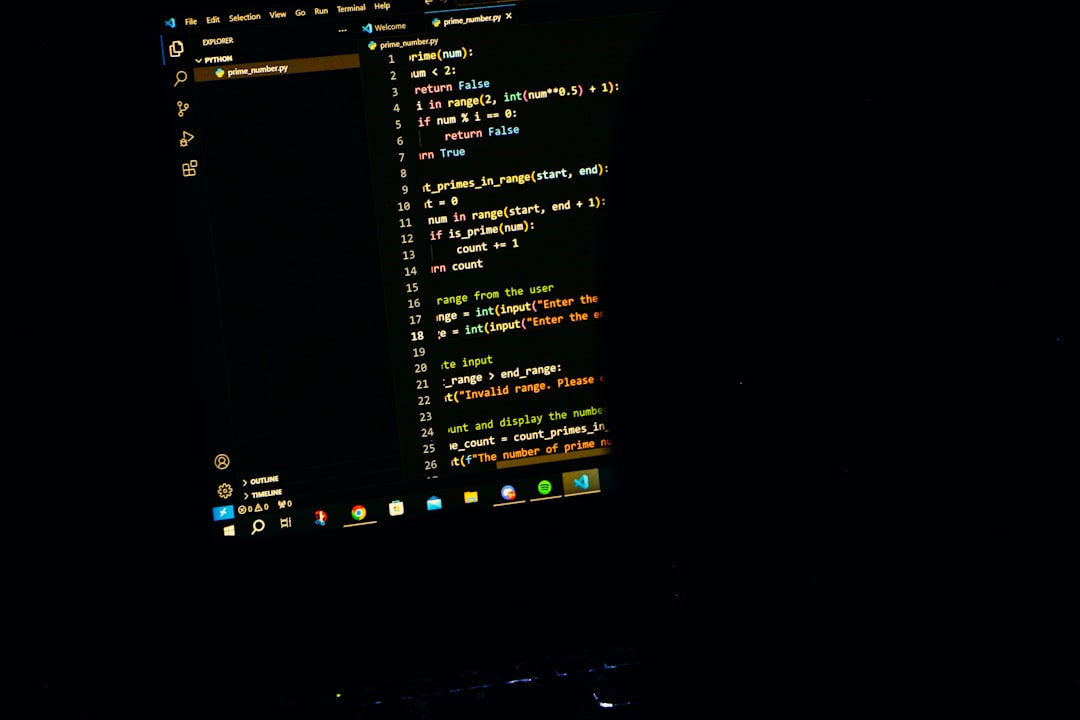
Not all screens show dark mode the same way. The type of display your phone, tablet, or laptop has makes a BIG difference.
- OLED and AMOLED screens: These screens turn off pixels to show black. That means black areas don’t use power. Less light, less energy!
- LCD screens: These use backlights. Even when the screen shows black, the light is still on. So there’s almost no battery saving here.
So dark mode saves battery on OLED/AMOLED screens, but not much on LCDs.
Where Can You Find OLED and AMOLED?
Most smartphones today have one of these displays, especially high-end models. Here are some popular examples:
- iPhone 12 and newer (OLED)
- Samsung Galaxy S and Note series (AMOLED)
- Google Pixel phones (OLED)
If you’re using one of these, dark mode could help you save some battery life!
How Much Battery Can You Actually Save?
This depends on what you’re doing and how often you look at your screen. But some real studies have tested it. For example, Google tested YouTube in dark mode on a Pixel phone. The result? It used 43% less power at full brightness compared to light mode!
Another test by Purdue University showed that using dark mode at 100% brightness can reduce battery drain by up to 47% on OLED screens.
However, if you keep your screen at low brightness, the battery savings drop a lot. Sometimes it’s only around 3%–9% savings. Still, that adds up during the day.
When Does Dark Mode Not Matter?
If you’re using devices like:
- Laptops with LCD screens
- Low-end or older phones with LCDs
- TVs (most are LCD unless it says OLED)
Then switching to dark mode won’t really change your battery life. You can still use it for style or comfort, just not for power savings.
Other Perks of Dark Mode
Battery life isn’t the only reason people love dark mode. Here are a few more:
- Reduces eye strain: Especially in low light or nighttime use. It’s easier to look at a dark screen in a dark room.
- Looks cool: Let’s be honest. It just feels slick and modern.
- Less glare: Great for bedtime scrolling with less strain.
But it’s not for everyone. Some people find dark text on light backgrounds easier to read. So it’s all about personal preference too!
What About Battery Saving Modes?
Many phones have battery saver or low power modes built in. These usually reduce background activities, lower brightness, and shut off some features. While dark mode isn’t always included, using both together (if your screen supports it!) can really stretch your battery.
Should You Always Use Dark Mode?
Not necessarily. It’s great for nighttime, and OLED phones benefit more. But it really depends on:
- What type of screen you have
- How bright your screen is
- How often you use your device
If your phone never leaves your hand and it has an OLED screen, yes, dark mode can help your battery! But if you’re rocking a budget phone with an LCD display, it won’t make much difference.
Tips for Maximizing Battery with or without Dark Mode
Want to save even more power? Dark mode’s a start, but here are some other super-easy power-saving tips:
- Lower your screen brightness. Every notch down helps!
- Use battery saver mode. Most phones have one, so enable it when charging isn’t nearby.
- Turn off background apps. Apps running silently can waste power.
- Disable location services or Bluetooth when not needed.
Verdict: Is Dark Mode Better for Battery Life?
The answer is: it depends.
Dark mode can save battery life, but it all comes down to your device. If you have an OLED or AMOLED screen, you’ll likely see a difference—especially if your brightness is turned up.
If you have an LCD screen? Sorry, no major battery win there.
Still, dark mode looks nice and can be easier on the eyes. So it’s definitely worth trying, even if battery saving isn’t the main goal.
Final Thoughts
We live in a world lit by screens. Choosing dark mode is like picking chocolate over vanilla—personal and delicious, in its own way. Just remember the science: dark pixels save power only when pixels can turn off. That means screen type matters!
So go ahead, flip that dark mode switch. Whether you’re saving battery or just feeling dark and cool, we say—let the night mode shine!