

Start with a narrow local niche, a lean MVP, and clear trust controls. A local marketplace app succeeds when buyers can find nearby offers fast, sellers can list without stress, and both sides feel safe enough to transact. Meta has reported that more than one billion people use Facebook Marketplace monthly, which shows how strong local buying behavior can be when access is simple [source: Meta].
TLDR: Build the first version around listings, location search, chat, payments, ratings, and moderation. A simple MVP often costs $40,000 to $90,000, while a larger product with delivery, escrow, and admin analytics can pass $150,000. For example, a city-focused used furniture app with 5,000 monthly users and a 7% seller commission could earn around $3,500 per month if average completed sales reach $10,000 weekly. Keep the first release small, because broad category apps get messy fast.
What a Local Marketplace App Actually Does
A local marketplace app connects nearby buyers and sellers. It can support products, services, rentals, food, tickets, repair work, home tasks, or second-hand goods. The local angle matters. Users want distance, speed, and trust. They do not want to scroll through offers from three states away.
The strongest apps solve one sharp problem first. Think “used baby gear in Austin,” “local home repair in Manchester,” or “farm produce within 20 miles.” A focused app is easier to market, cheaper to moderate, and clearer for users.

Core Features for Buyers
- Location-based search: Users should filter by radius, city, neighborhood, price, category, and availability.
- Smart listings: Each listing needs photos, title, price, condition, description, seller profile, and pickup or delivery options.
- Map and list views: Some users think visually. Others scan lists. Offer both.
- Saved searches and alerts: A buyer looking for a used bike should get notified when one appears nearby.
- In-app chat: Keep communication inside the app. It reduces scams and gives your support team useful records.
- Ratings and reviews: A simple five-star score is not enough. Add short review text and completed transaction badges.
Honestly, it feels like many marketplace apps lose users because basic filters are sloppy. If it takes 12 seconds to change a radius filter and reload results, people leave. Speed is not a luxury feature. It is part of trust.
Core Features for Sellers
- Fast listing creation: Sellers should post an item in under two minutes.
- Photo upload and editing: Add crop, rotate, and image compression. Large photos can slow the app badly.
- Inventory management: Sellers need to mark listings as active, reserved, sold, expired, or hidden.
- Pricing suggestions: Later versions can suggest prices based on similar local listings.
- Seller dashboard: Show views, messages, saved items, sales, fees, and payout status.
- Promoted listing tools: Paid boosts can become a strong revenue source if clearly labeled.
Trust, Safety, and Moderation
Trust controls are not optional. Local apps can involve face-to-face meetings, cash payments, personal addresses, and high-value goods. Weak safety design creates legal, support, and brand risk.
Add identity checks for higher-risk categories. Use phone verification at minimum. For services or rentals, consider document checks, business verification, or background screening through a third-party provider.
Moderation should include user reports, blocked words, image review, duplicate detection, and suspicious behavior flags. Common red flags include repeated links, prices far below market value, too many listings from a new account, and requests to move payment outside the app.
Payment and Transaction Features
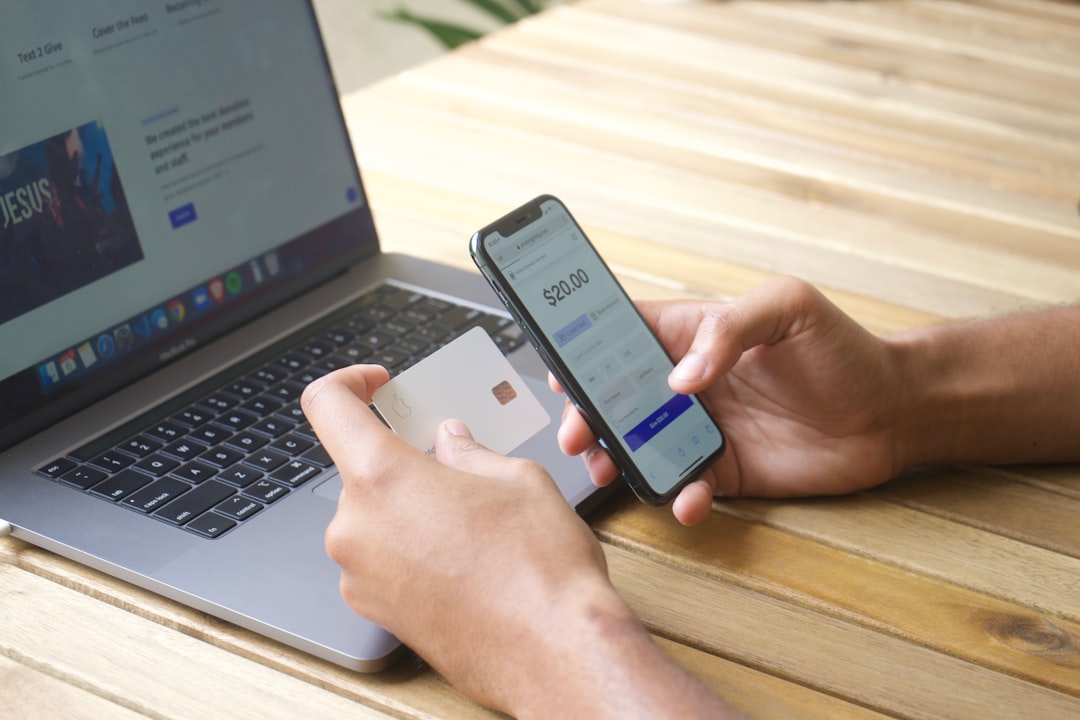
Payments depend on your model. A classifieds app may allow offline cash or bank transfer. A managed marketplace should support card payments, wallets, refunds, seller payouts, invoices, and tax records.
For higher-value transactions, escrow can help. The buyer pays first. The platform holds the money. The seller receives funds after pickup, delivery, or buyer approval. This adds cost and complexity, but it can reduce fraud.
Build clear fee visibility into the payment screen. Do not hide service fees until checkout. Users hate that. It drives me crazy that some apps show a “great price” and then add platform fees at the final tap. That causes abandoned purchases and angry support tickets.
Admin Panel Features
The admin panel is where your team keeps the marketplace clean. It should not be an afterthought.
- User management: View accounts, verification status, warnings, bans, and support history.
- Listing review: Approve, reject, edit, or remove listings.
- Dispute handling: Track complaints, refunds, proof, and final decisions.
- Analytics: Monitor signups, active users, searches, listings, completed sales, revenue, churn, and fraud flags.
- Category control: Add rules for restricted goods, service types, locations, and fee settings.
- Content pages: Manage help pages, safety tips, terms, and policy updates.
Revenue Models That Work
Commission per transaction is the cleanest model for managed marketplaces. The platform takes 5% to 20%, depending on the category. Services often support higher fees than second-hand goods.
Listing fees work well for professional sellers, real estate, vehicles, and job-style postings. They are less attractive for casual sellers who want to test demand first.
Promoted listings can scale well. Sellers pay to appear near the top of search results. Keep ad placement transparent, or users will lose faith in search quality.
Subscriptions suit power sellers. A local antique dealer, cleaner, tutor, or contractor may pay monthly for more listings, better analytics, badges, and lower transaction fees.
Lead fees are common in service marketplaces. A plumber might pay for each qualified quote request. This model needs fraud protection, since low-quality leads cause churn quickly.
Delivery or fulfillment fees can work if your app handles courier booking, pickup scheduling, or local delivery. This is harder to run, but it can create a stronger service layer.
Typical Development Costs
Costs depend on scope, region, team seniority, integrations, and compliance needs. A basic local marketplace MVP usually includes mobile apps or a responsive web app, backend, admin panel, listings, chat, search, profiles, and simple payments.
- Basic MVP: $40,000 to $90,000. Good for one city, limited categories, standard profiles, simple chat, and manual moderation.
- Mid-level marketplace: $90,000 to $180,000. Adds in-app payments, seller dashboards, ratings, push alerts, stronger search, and automated moderation tools.
- Advanced platform: $180,000 to $350,000+. Includes escrow, delivery workflows, AI-assisted moderation, complex analytics, subscription billing, and multi-city support.
Monthly operating costs also matter. Expect hosting, maps, SMS verification, payment processing, email, push notifications, customer support tools, analytics, and bug fixes. A serious MVP may need $3,000 to $15,000 per month after launch, depending on traffic and support volume.

Build Order for a Safer MVP
- Validate one city and one category. Interview buyers and sellers before writing code.
- Design the transaction flow. Decide if the app only connects users or controls payment.
- Build listings, search, chat, and profiles first. These are the heart of the product.
- Add moderation from day one. Waiting until abuse appears is expensive.
- Launch with manual support. Automation can improve later, but early disputes need human review.
- Track liquidity. Watch how many listings become messages, and how many messages become completed deals.
Key Metrics to Watch
Marketplace success depends on liquidity. Signups alone mean little. Track listing conversion rate, buyer-to-seller ratio, average time to first message, completed transaction rate, repeat seller rate, and dispute rate.
A healthy early marketplace might see 20% to 35% of listings receive at least one message. If only 5% get interest, the issue may be pricing, search quality, weak demand, or poor listing supply. Fix that before spending heavily on ads.
Final Advice Before You Build
Do not start with every category, every city, and every payment option. That creates a bloated product and a thin user base. Start tight. Earn trust. Prove repeat use.
The best local marketplace apps feel simple on the surface and strict behind the scenes. Buyers need fast search. Sellers need easy posting. Your team needs strong controls. If those three groups are served well, the app has a real chance to grow into a durable local business.


