Businesses of all sizes rely on data to guide decisions, measure performance, and identify opportunities for growth. While Google Looker Studio (formerly Data Studio) has long been a popular choice for building interactive dashboards, it is not the perfect fit for every organization. Companies often seek alternatives due to limitations in scalability, advanced analytics features, data source compatibility, pricing, or governance controls. As the demand for robust, flexible, and visually compelling reporting tools grows, numerous Looker Studio alternatives have emerged to meet a wide range of reporting needs.
TLDR: Looker Studio is a powerful free reporting tool, but it may not suit every business need. Many alternatives offer stronger data modeling, enhanced visualization, better scalability, or more advanced analytics features. Popular alternatives include Tableau, Power BI, Qlik Sense, Databox, Klipfolio, and Zoho Analytics. Choosing the right solution depends on budget, team expertise, integration requirements, and reporting complexity.
Below is a detailed look at some of the best Looker Studio alternatives available today, along with a comparison chart to simplify the decision-making process.
Why Consider Alternatives to Looker Studio?
Although Looker Studio is intuitive and integrates seamlessly with Google products, it may present challenges such as:
- Performance limitations with large or complex datasets
- Limited advanced analytics and predictive capabilities
- Data blending restrictions
- Customization constraints for enterprise-level needs
- Governance and security limitations in some use cases
Companies requiring highly interactive visual storytelling, enterprise-grade governance, or complex ETL transformations often explore more advanced tools.
Top Looker Studio Alternatives
1. Tableau
Best for advanced visualization and enterprise analytics.
Tableau is widely recognized as one of the most powerful business intelligence platforms on the market. It offers deep data exploration, interactive visualizations, and powerful analytics capabilities.

Key Features:
- Advanced interactive visualizations
- Drag-and-drop dashboard builder
- Strong data modeling capabilities
- AI-powered insights with Tableau Pulse
Pros:
- Highly customizable dashboards
- Handles large datasets efficiently
- Strong community and support network
Cons:
- Higher price point
- Steeper learning curve than Looker Studio
2. Microsoft Power BI
Best for Microsoft ecosystem users.
Power BI is one of the most popular BI tools globally. It integrates seamlessly with Microsoft products such as Excel, Azure, and SQL Server.
Key Features:
- Strong data modeling with DAX formulas
- Real-time dashboards
- AI-driven analytics
- Extensive integration ecosystem
Pros:
- Affordable pricing tiers
- Excellent enterprise features
- Frequent updates and innovation
Cons:
- Complex setup for beginners
- Sharing reports may require Pro licenses
3. Qlik Sense
Best for associative data exploration.
Qlik Sense stands out with its proprietary associative engine, allowing users to explore data freely without predefined query paths.
Key Features:
- Associative data model
- AI-powered insights
- Self-service analytics
- Embedded analytics capabilities
Pros:
- Flexible data exploration
- Strong governance features
Cons:
- Premium pricing structure
- Can be complex for new users
4. Klipfolio
Best for real-time business dashboards.
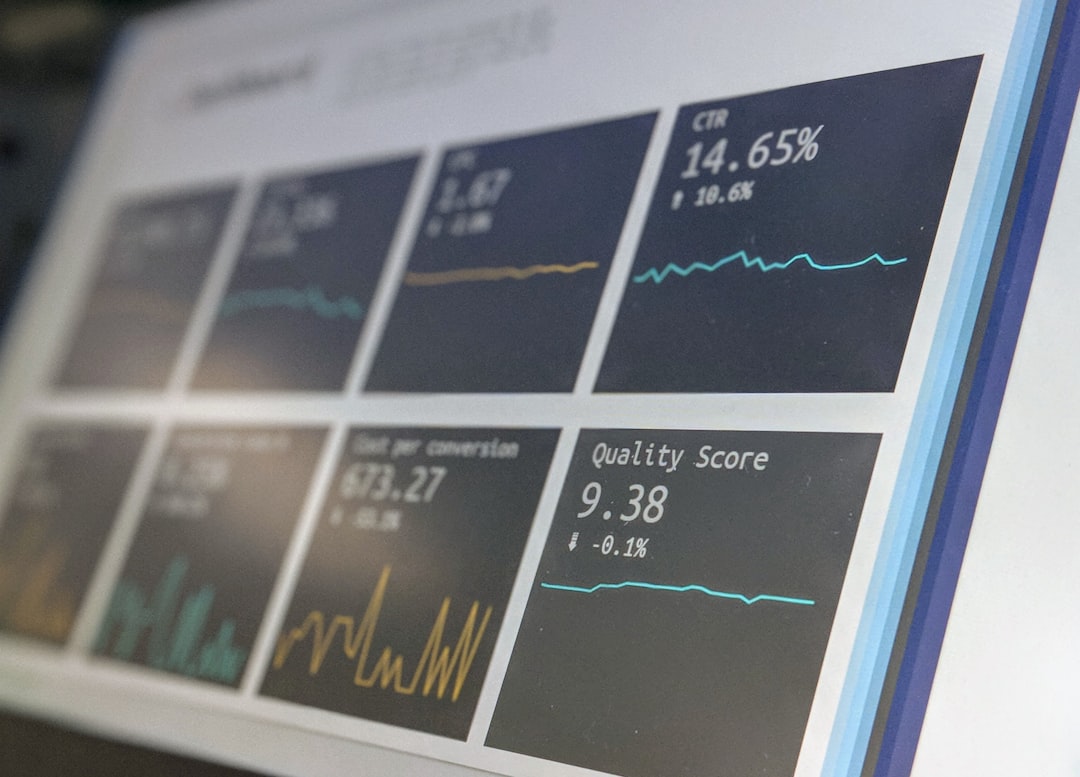
Klipfolio focuses on operational dashboards and KPI tracking, making it a lightweight yet powerful option for growing businesses.
Key Features:
- Pre-built KPI templates
- Cloud-based infrastructure
- Custom metrics calculation
Pros:
- User-friendly interface
- Fast deployment
- Good data source compatibility
Cons:
- Limited advanced analytics
- May not scale well for enterprises
5. Databox
Best for marketing and sales reporting.
Databox is designed to centralize business metrics from multiple tools into visually appealing dashboards.
Key Features:
- 100+ native integrations
- Mobile-friendly dashboards
- Goal tracking and forecasting
Pros:
- Quick setup
- Ideal for small to mid-sized businesses
Cons:
- Limited customization depth
- Better suited for predefined metrics
6. Zoho Analytics
Best for affordability and integration with Zoho ecosystem.
Zoho Analytics provides self-service BI capabilities with competitive pricing and strong integration with other Zoho applications.

Key Features:
- AI-powered assistant
- Data blending
- White-labeling options
Pros:
- Budget-friendly
- Strong automation features
Cons:
- Visualization options less advanced than Tableau
Comparison Chart of Looker Studio Alternatives
| Tool | Best For | Pricing Level | Ease of Use | Advanced Analytics |
|---|---|---|---|---|
| Tableau | Enterprise analytics | High | Moderate | Excellent |
| Power BI | Microsoft users | Low to Moderate | Moderate | Excellent |
| Qlik Sense | Associative data modeling | High | Moderate | Excellent |
| Klipfolio | Operational dashboards | Moderate | Easy | Good |
| Databox | Marketing dashboards | Low to Moderate | Easy | Good |
| Zoho Analytics | SMBs and startups | Low | Easy | Good |
How to Choose the Right Alternative
When evaluating Looker Studio alternatives, organizations should consider the following factors:
- Budget: Enterprise tools may offer advanced functionality but require substantial investment.
- Scalability: Consider future growth and increasing data volume.
- Integration Needs: Ensure compatibility with existing databases and SaaS tools.
- Technical Expertise: Some solutions require specialized skills.
- Customization Requirements: Advanced enterprises may require white-labeling or embedded analytics.
Ultimately, there is no one-size-fits-all solution. Smaller businesses may benefit from the simplicity of Databox or Zoho Analytics, while enterprises with sophisticated analytics demands might prefer Tableau, Power BI, or Qlik Sense.
Frequently Asked Questions (FAQ)
1. What is the best free alternative to Looker Studio?
Microsoft Power BI offers a free desktop version with robust capabilities. However, sharing reports typically requires a paid subscription.
2. Which tool is best for large enterprises?
Tableau, Power BI, and Qlik Sense are widely considered enterprise-grade solutions due to their scalability, governance, and advanced analytics features.
3. Are there alternatives better suited for marketing teams?
Yes. Databox and Klipfolio are particularly well-suited for marketing and sales teams due to their KPI tracking and pre-built integrations.
4. What is the most affordable option for small businesses?
Zoho Analytics and Databox typically offer budget-friendly pricing tiers ideal for startups and small teams.
5. Can these tools handle real-time data reporting?
Yes. Power BI, Tableau, and Klipfolio all provide real-time or near-real-time dashboard capabilities depending on configuration and data source integration.
6. Is it difficult to migrate from Looker Studio to another platform?
Migration complexity depends on the size of dashboards, data sources, and calculated fields. Most tools provide documentation and support services to simplify the transition process.