
Online scheduling tools have become essential for businesses, freelancers, and remote teams looking to streamline meeting coordination. While Calendly is one of the most recognizable names in this space, it is far from the only solution available. A growing number of competitors offer robust features, flexible pricing, and integrations that may better suit specific needs.
TLDR: Calendly is a popular meeting scheduling tool, but several powerful alternatives offer unique benefits. Acuity Scheduling, Doodle, Microsoft Bookings, YouCanBook.me, and Zoho Bookings each provide strong scheduling capabilities with different strengths in customization, collaboration, and ecosystem integration. The best choice depends on business size, budget, and required integrations. Comparing features, pricing models, and automation tools can help organizations find the right fit.
Below is a detailed look at five strong Calendly competitors, along with their key features, ideal users, and what sets them apart in a crowded market.
1. Acuity Scheduling
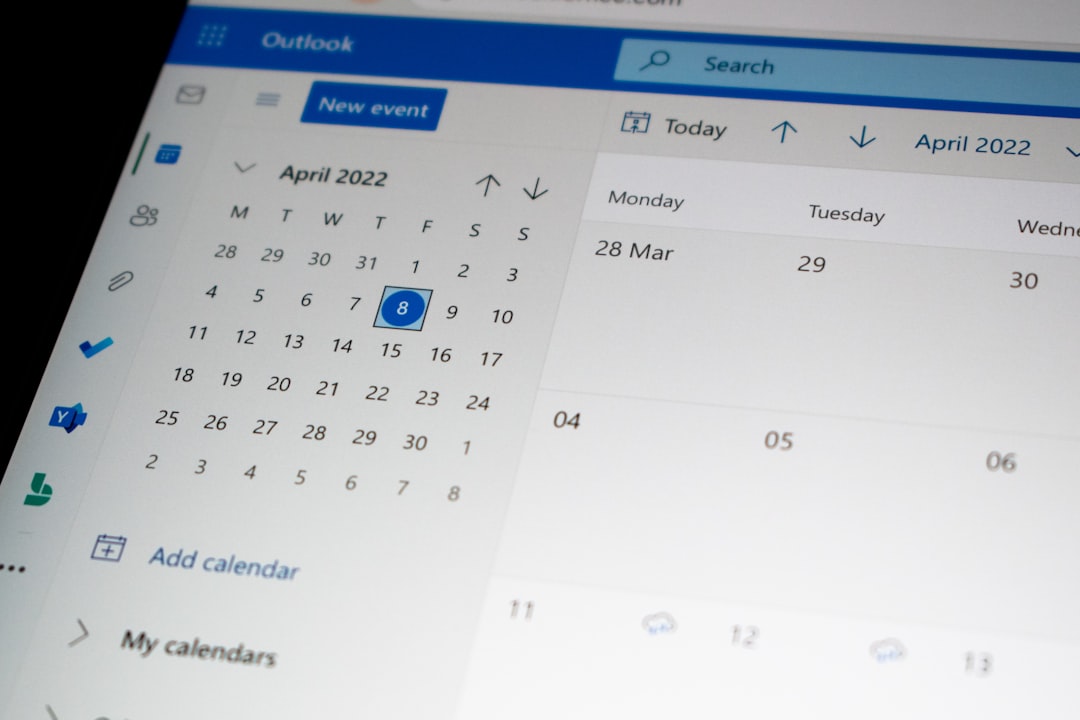
Acuity Scheduling, owned by Squarespace, is a comprehensive appointment scheduling solution designed with service-based businesses in mind. It goes beyond simple time-slot booking and offers extensive customization.
Key Features:
- Custom intake forms for collecting client information
- Automated reminders via email and text
- Recurring appointments
- Payment processing through Stripe, PayPal, and Square
- Time zone auto-detection
Acuity is particularly well-suited for consultants, coaches, wellness providers, and salons. Its ability to accept payments at the time of booking makes it a strong option for businesses that charge per appointment.
Why Choose Acuity Over Calendly? Acuity offers deeper intake customization and stronger native payment integration. While Calendly provides payment functionality, Acuity is often viewed as more comprehensive for appointment-based services.
2. Doodle
Doodle takes a slightly different approach to scheduling. Instead of focusing solely on individual booking pages, it excels at group scheduling and polling.
Key Features:
- Group polls for finding mutual availability
- 1:1 booking pages
- Calendar integrations with Google, Outlook, and iCal
- Automated reminders
- Team scheduling options
Doodle works particularly well for teams trying to coordinate meetings among multiple stakeholders. Users can propose several time slots and allow participants to vote on what works best.
Why Choose Doodle Over Calendly? For organizing board meetings, committees, or cross-functional groups, Doodle’s polling system often feels more intuitive than Calendly’s standard availability model.
3. Microsoft Bookings
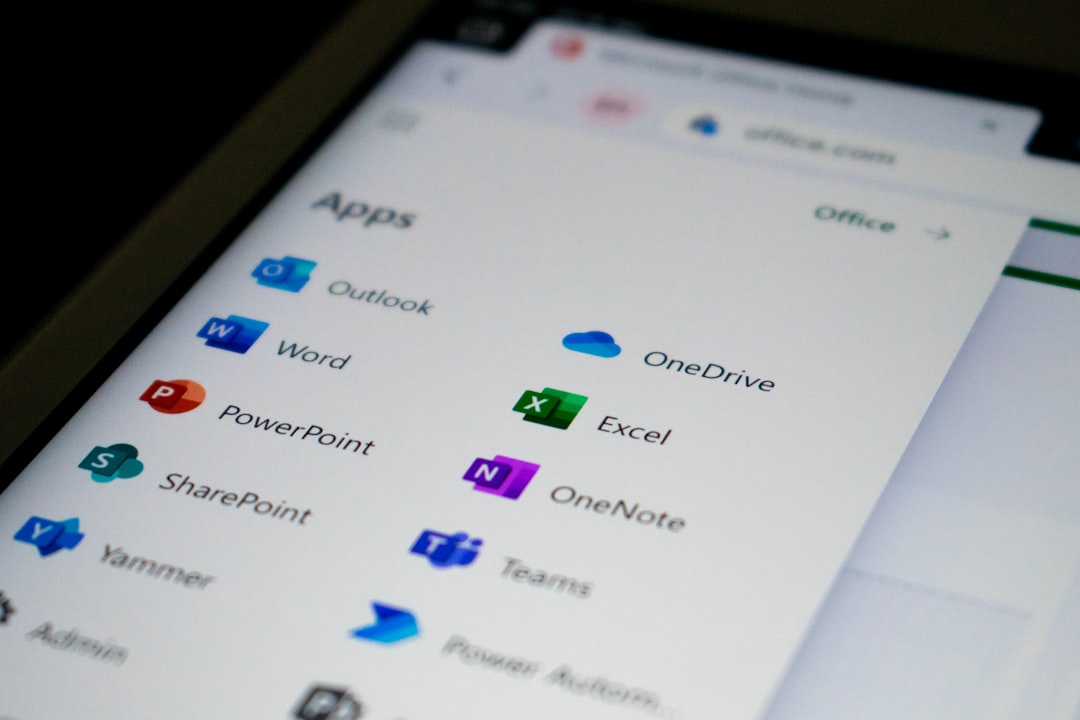
Microsoft Bookings is part of the Microsoft 365 ecosystem, making it a logical choice for organizations already using Outlook, Teams, and other Microsoft services.
Key Features:
- Seamless integration with Outlook and Microsoft Teams
- Shared team booking pages
- Customizable appointment types
- Automated email confirmations and reminders
- Built-in customer database
Because it connects directly with Microsoft 365 accounts, staff availability automatically reflects Outlook calendars, reducing double-booking risks.
Why Choose Microsoft Bookings Over Calendly? Businesses deeply embedded in the Microsoft ecosystem benefit from tighter integration, centralized management, and enterprise-level security controls.
4. YouCanBook.me
YouCanBook.me is a flexible scheduling platform that integrates tightly with Google Calendar and Microsoft Outlook. It is popular with educators, consultants, and small businesses.
Key Features:
- Full customization of booking pages
- SMS and email notifications
- Advanced form fields
- Zapier integration for workflow automation
- Round-robin scheduling for teams
One of the standout elements of YouCanBook.me is its design flexibility. Users have granular control over branding, colors, and messaging.
Why Choose YouCanBook.me Over Calendly? It often appeals to users seeking more page-level customization without moving to a higher-tier pricing model.
5. Zoho Bookings
Zoho Bookings is part of the broader Zoho suite of business applications. It offers strong integration with Zoho CRM, Zoho Meetings, and other Zoho products.
Image not found in postmetaKey Features:
- CRM synchronization
- Staff assignment and resource management
- Customizable booking pages
- Automated reminders and notifications
- Time zone intelligence
Zoho Bookings is especially appealing to small and mid-sized businesses already using Zoho’s ecosystem. Data flows seamlessly between scheduling and customer relationship management systems.
Why Choose Zoho Bookings Over Calendly? For businesses managing sales pipelines within Zoho CRM, having scheduling directly tied to contact records creates operational efficiency.
Comparison Chart
| Feature | Acuity Scheduling | Doodle | Microsoft Bookings | YouCanBook.me | Zoho Bookings |
|---|---|---|---|---|---|
| Best For | Service businesses | Group scheduling | Microsoft users | Custom branding | Zoho ecosystem users |
| Payment Integration | Yes | Limited | No native payments | Via integrations | Yes |
| Team Scheduling | Yes | Yes | Yes | Yes | Yes |
| CRM Integration | Limited | No | Microsoft ecosystem | Via Zapier | Native Zoho CRM |
| Customization Level | High | Moderate | Moderate | High | High |
How to Choose the Right Scheduling Tool
Choosing between Calendly competitors depends largely on organizational needs. Several factors should be evaluated:
- Integration requirements: Does the business rely heavily on Microsoft 365, Google Workspace, or Zoho?
- Payment processing: Is collecting payment at booking necessary?
- Team collaboration: Are round-robin or pooled scheduling features needed?
- Customization: Does branding and advanced intake data matter?
- Budget: Are advanced features locked behind premium pricing tiers?
By assessing these core areas, companies can avoid paying for unnecessary features while ensuring essential functionality is covered.
FAQ
1. Are these Calendly competitors free to use?
Most of the listed tools offer free versions with limited functionality. However, advanced features such as automation, payment processing, and team scheduling typically require a paid subscription.
2. Which alternative is best for small businesses?
Acuity Scheduling and Zoho Bookings are particularly strong for small businesses that need appointment management and CRM or payment integration.
3. What is the best option for large enterprises?
Microsoft Bookings is often ideal for enterprises already using Microsoft 365 due to seamless integration, centralized administration, and enterprise-grade security.
4. Can these tools integrate with video conferencing platforms?
Yes. Most competitors integrate with Zoom, Microsoft Teams, or Google Meet, allowing automatic generation of meeting links upon booking confirmation.
5. Is Doodle only for group polls?
No. While Doodle is best known for its polling functionality, it also offers individual booking pages and team scheduling features.
6. How important is CRM integration in scheduling software?
CRM integration can significantly improve workflow efficiency by automatically syncing customer data, appointment history, and follow-ups, particularly for sales-driven organizations.
In conclusion, while Calendly remains a leader in online scheduling, these five competitors provide compelling alternatives. Each tool excels in different areas, from enterprise integration to deep customization and CRM connectivity. Businesses that carefully evaluate their workflow requirements will often discover that one of these solutions aligns even better with their operational needs.