The PlayStation Portable (PSP) remains one of the most beloved handheld consoles ever released. However, as these devices age, one of the most common issues users face is short battery life or complete battery failure. Fortunately, upgrading or replacing a PSP battery is straightforward and can significantly improve playtime and overall performance. This guide explains the best replacement options available and walks through the installation process step by step.
TLDR: Replacing a PSP battery is one of the easiest and most effective ways to revive the handheld console. High-capacity replacement batteries can extend gameplay to 5–8 hours depending on usage. Choosing a reputable brand and compatible model is essential for safety and longevity. Installation takes just a few minutes and requires minimal tools.
Why Upgrade Your PSP Battery?
Over time, lithium-ion batteries naturally degrade. Many original PSP batteries are over a decade old, and even unused replacements may have deteriorated. Common signs that indicate it’s time for a new battery include:
- Rapid battery drainage even after full charging
- PSP not turning on unless plugged in
- Battery swelling or bulging
- Unexpected shutdowns during gameplay
Upgrading the battery not only restores portability but can also provide extended play sessions compared to the original factory battery.
Understanding PSP Battery Models
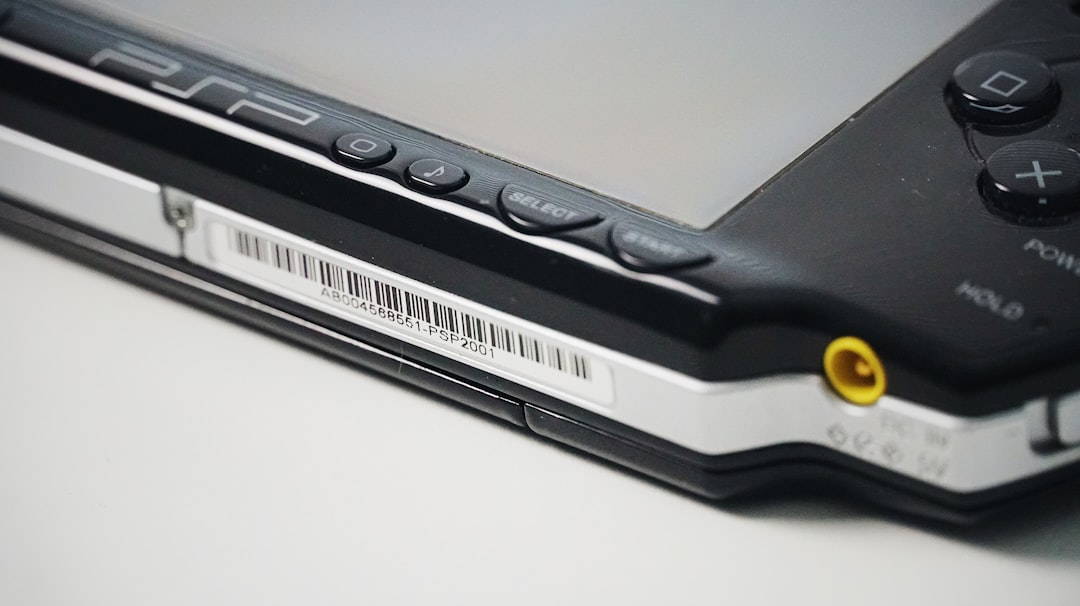
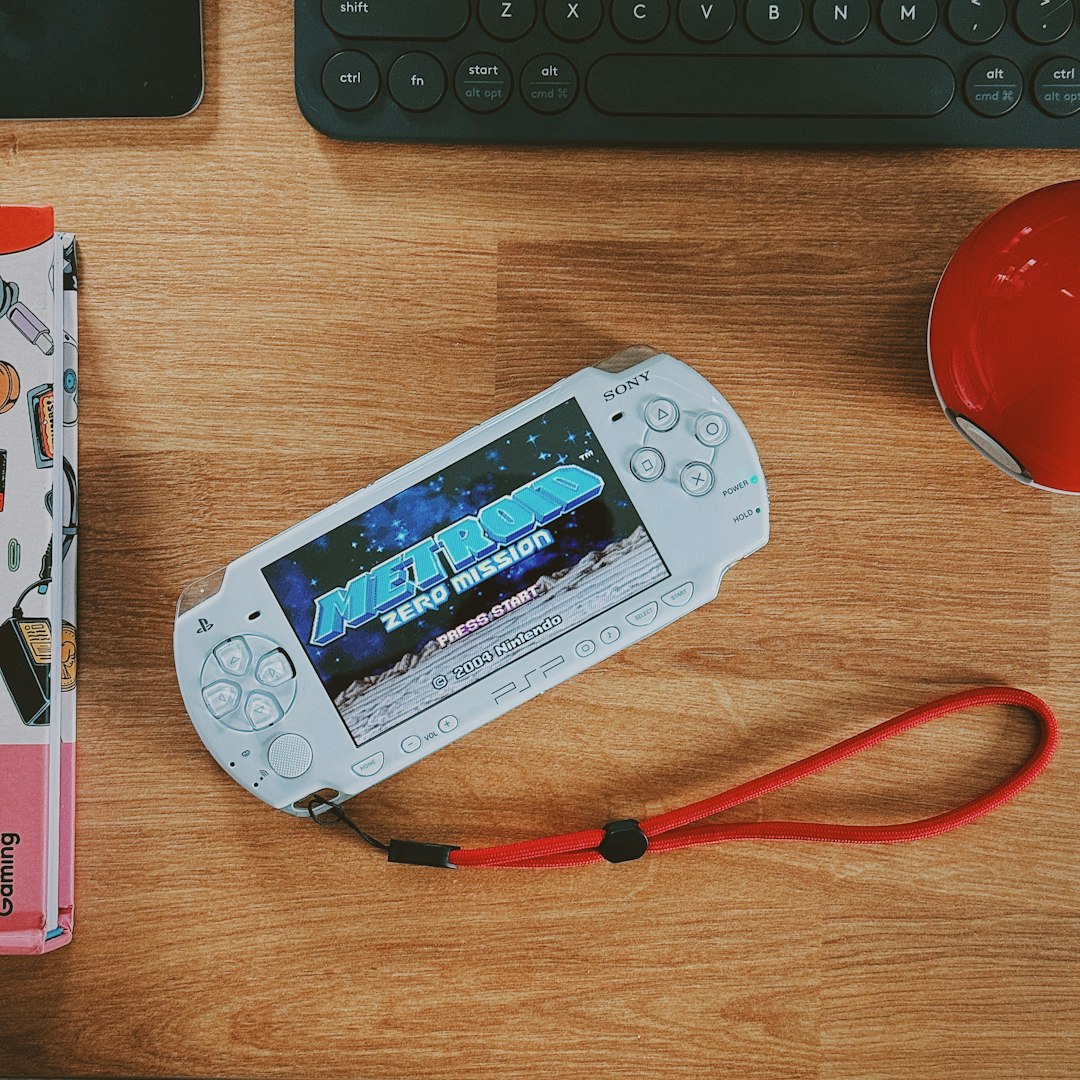
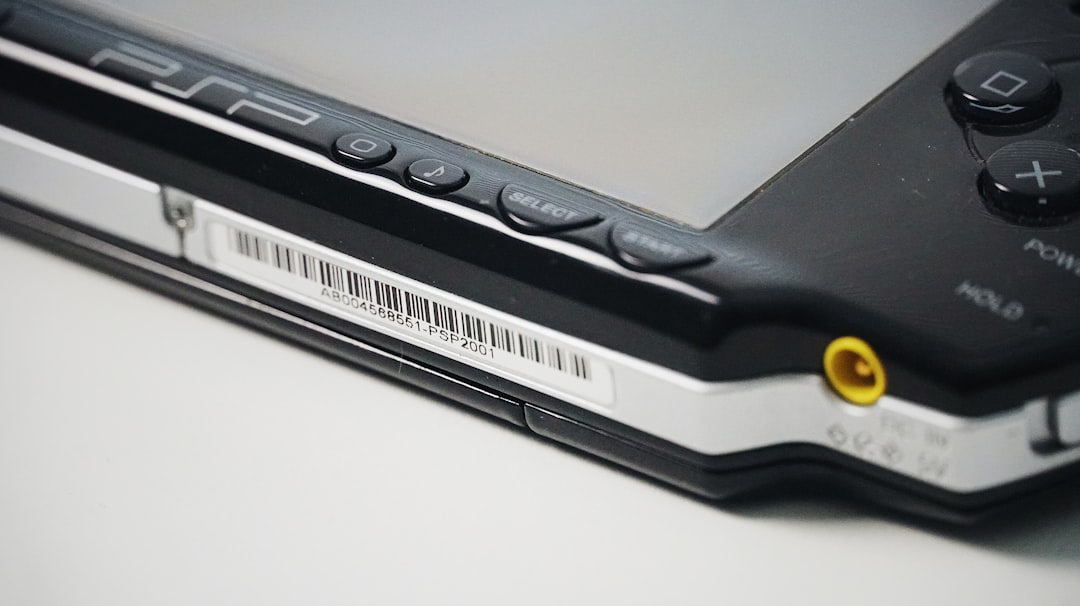
The PSP has several variants, and battery compatibility differs between models. It is essential to know which version you own:
- PSP-1000 (Fat)
- PSP-2000 (Slim)
- PSP-3000 (Brite)
- PSP Go
- PSP Street (E1000)
The PSP-1000 typically uses a larger 1800mAh battery, while PSP-2000 and PSP-3000 models commonly use 1200mAh batteries. High-capacity versions (up to 2200mAh or more) are also available but may require a modified battery cover.
Best PSP Battery Replacement Options
When selecting a replacement battery, quality and safety should be top priorities. Cheap, unbranded batteries may offer inflated capacity claims and pose safety risks. Below are some of the best options available:
1. OEM Sony Battery (If Available)
Original Sony-manufactured batteries are the most reliable option. However, they are increasingly rare and may no longer hold full capacity due to age.
2. Cameron Sino Replacement Batteries
Cameron Sino is known for producing high-quality third-party batteries with accurate capacity ratings. These batteries are widely regarded as one of the safest aftermarket choices.
3. OSTENT High-Capacity Battery
OSTENT provides both standard and extended-capacity batteries. Many users report improved playtime, though selecting verified sellers is essential.
4. Insten Replacement Battery
Insten batteries are affordable and easy to find. While performance can vary, they offer a solid budget-friendly option.
PSP Battery Comparison Chart
| Brand | Capacity Options | Compatibility | Reliability | Price Range |
|---|---|---|---|---|
| OEM Sony | 1200mAh – 1800mAh | Model specific | Excellent (if genuine) | High |
| Cameron Sino | 1200mAh – 1800mAh | 1000, 2000, 3000 | Very High | Moderate |
| OSTENT | 1200mAh – 2200mAh | Most models | High | Moderate |
| Insten | 1200mAh – 1800mAh | Most models | Medium | Low |
Choosing the Right Capacity
Higher capacity batteries can offer longer playtime, but there are several factors to consider:
- Physical Fit: Some high-capacity batteries require a thicker battery cover.
- Realistic Ratings: Be cautious of exaggerated claims such as 3600mAh in a standard-sized battery.
- Usage Needs: If primarily used at home, a standard capacity battery may suffice.
Most players find that a reliable 1800mAh battery provides the best balance of size and performance.
Tools Needed for Installation
In most cases, replacing a PSP battery requires no tools at all. However, having the following items can be helpful:
- Clean microfiber cloth
- Small Phillips screwdriver (rarely needed)
- Plastic prying tool (for PSP Go)
The PSP-1000, 2000, and 3000 models feature an easy-access battery compartment, making replacement extremely simple.
Step-by-Step Installation Guide
Step 1: Power Off the Device
Ensure the PSP is completely powered down, not just in sleep mode. Disconnect the charging cable and remove any UMD disc.
Step 2: Open the Battery Compartment
Flip the PSP over and slide open the battery cover. This usually requires minimal force.
Step 3: Remove the Old Battery
Lift the battery gently from the compartment. If the battery appears swollen, handle it carefully and avoid puncturing it.
Step 4: Insert the New Battery
Align the metal contacts on the battery with the contacts inside the PSP. Gently press it into place, ensuring a snug fit.
Step 5: Replace the Battery Cover
Slide the battery cover back into position until it clicks securely.
Step 6: Initial Charge
Connect the charger and allow the battery to charge fully before extended gameplay. This helps calibrate the battery indicator.
Special Case: PSP Go Battery Replacement
The PSP Go differs significantly from earlier models. Its battery is internal and requires disassembly to access.
Basic Steps Include:
- Removing back screws with a small screwdriver
- Carefully separating the casing
- Disconnecting the battery connector
- Installing the new battery
This process requires more technical skill. Those unfamiliar with electronic repairs may prefer professional assistance.
Image not found in postmetaBattery Calibration Tips
After installation, calibrating the battery can improve charge accuracy:
- Charge to 100% uninterrupted.
- Use the PSP until battery drops below 10%.
- Recharge fully again.
Repeating this cycle once or twice ensures accurate battery level readings.
Safety Precautions
- Never puncture or crush lithium-ion batteries.
- Avoid exposure to heat or direct sunlight.
- Dispose of old batteries at approved recycling centers.
- Do not use visibly damaged batteries.
Quality matters more than saving a few dollars. A reputable battery reduces risks and improves longevity.
Extending PSP Battery Life
To maximize playtime, users can:
- Lower screen brightness
- Disable Wi-Fi when not in use
- Reduce speaker volume or use headphones
- Enable power-saving settings
These simple adjustments can extend playtime by up to an hour per charge.
Conclusion
Upgrading a PSP battery is one of the simplest and most rewarding ways to refresh the classic handheld console. With reliable third-party manufacturers offering high-quality replacements, gamers can restore portability and enjoy extended sessions once again. Installation is typically tool-free and takes only minutes for most models. By selecting a trusted battery brand and following basic safety precautions, PSP owners can ensure years of additional performance from their device.
Frequently Asked Questions (FAQ)
1. How long does a new PSP battery last?
Most high-quality replacement batteries last between 3 to 6 years depending on usage and storage conditions.
2. Can I use a higher mAh battery in my PSP?
Yes, as long as it is compatible with your model. However, higher capacity batteries may require a larger battery cover.
3. Why does my new battery drain quickly?
This may be due to improper calibration, background Wi-Fi usage, or purchasing a low-quality battery.
4. Is it safe to leave my PSP charging overnight?
Modern replacement batteries typically include overcharge protection, but unplugging after a full charge is recommended.
5. Can a swollen battery damage my PSP?
Yes. A swollen battery can exert pressure on internal components and should be removed immediately and disposed of safely.
6. Where should I dispose of my old PSP battery?
Old lithium-ion batteries should be taken to certified electronic recycling centers or battery disposal facilities.